How to Choose the Best IVR System for Small Businesses in 2026

19 mins read

Posted on May 22, 2024


Saravana Kumar
SEO


Saravana Kumar
SEO





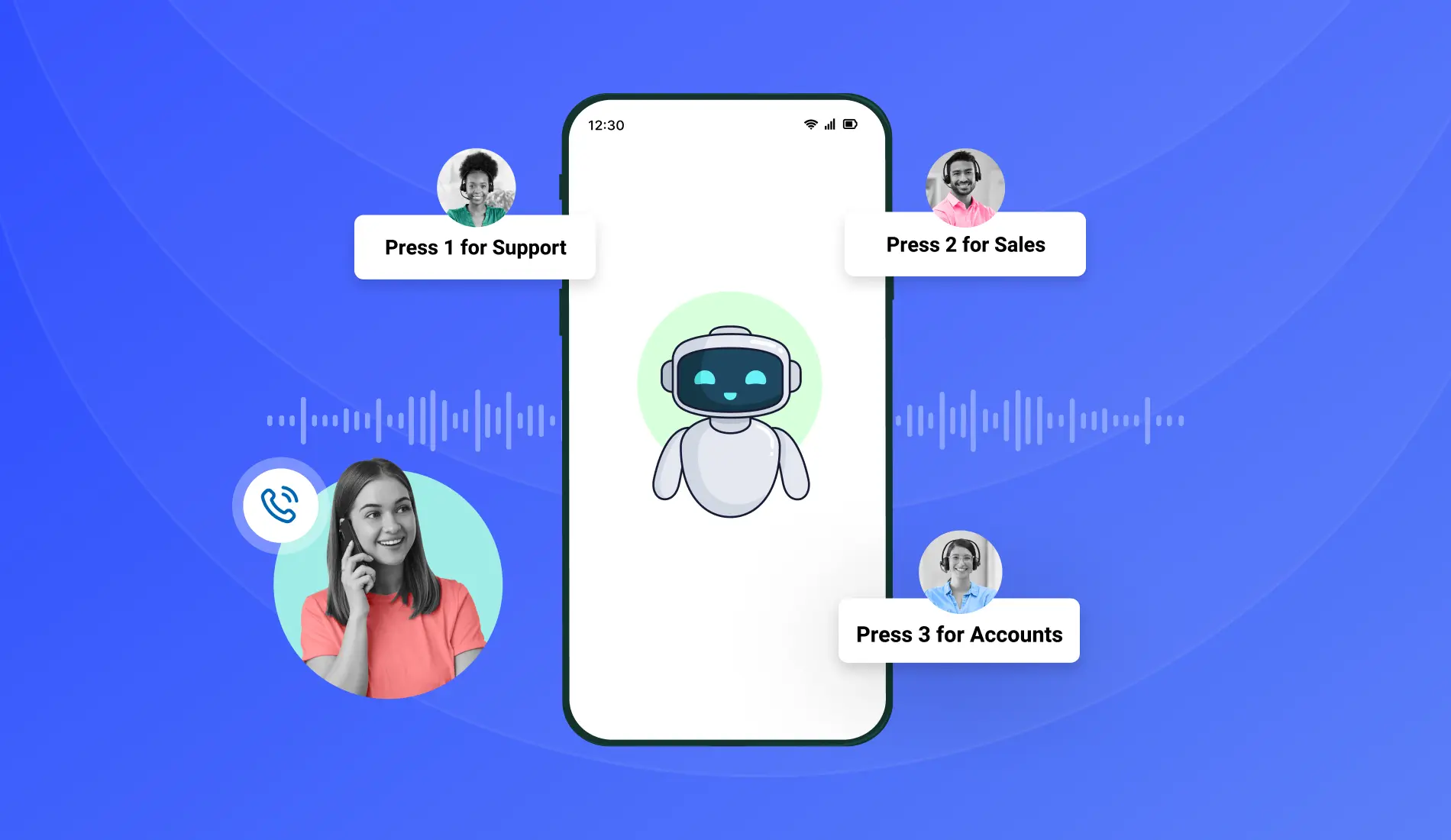
Most small businesses handle inbound calls the same way, a personal mobile number, one person answering, manual transfers between team members, and no visibility into how many calls were missed or why.
That setup works at three people. It stops working the moment the business grows, the call volume increases, or a customer calls outside of the one available person’s working hours. The IVR decision is what most small business owners face when that moment arrives.
The challenge is not finding an IVR system, there are dozens available. The challenge is finding the right one for a business of your size, budget, and technical capability. The most feature-rich IVR on the market is not the right choice if it requires an IT team to configure and a six-week implementation timeline. The cheapest IVR is not the right choice if it cannot integrate with your CRM or handle after-hours calls.
This guide covers what to look for in an IVR system specifically as a small business - the five features that actually matter, how to evaluate providers, the five buying factors most commonly overlooked, and the questions to ask before signing up.
Why Choosing the Right IVR Matters More for Small Businesses Than Large Ones
A large enterprise can absorb a poor IVR choice. They have IT teams to reconfigure it, vendor management teams to negotiate replacements, and enough call volume to identify problems before they compound. A small business with the wrong IVR does not have any of those buffers.
A caller who reaches dead air after selecting a menu option does not wait for a fix. They hang up and call the next provider on their list. A small business that loses three inbound enquiries on a Wednesday because the IVR routing broke during a development update feels that loss directly in revenue - not as a line item in a quarterly report.
The right IVR for a small business is not the one with the longest feature list. It is the one that goes live fastest, requires no IT team to manage, integrates with the tools the team already uses, and costs predictably as the business grows.
5 Essential IVR Features Small Businesses Actually Need
Not every IVR feature serves a small business equally. This section covers the five that deliver the most direct operational value at SMB scale - and what to verify when evaluating each feature on a specific platform.
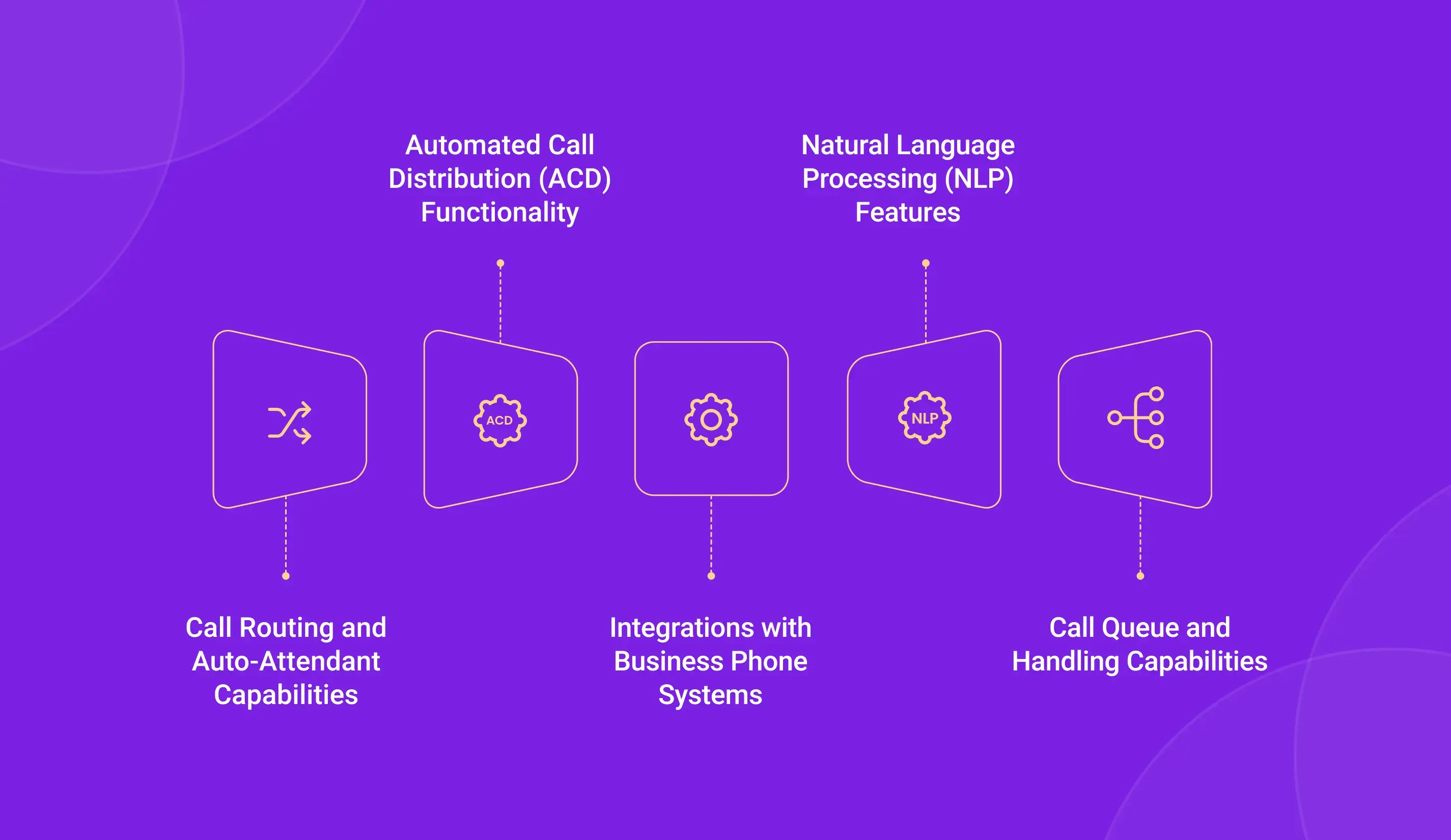
1. Call Routing and Auto-Attendant
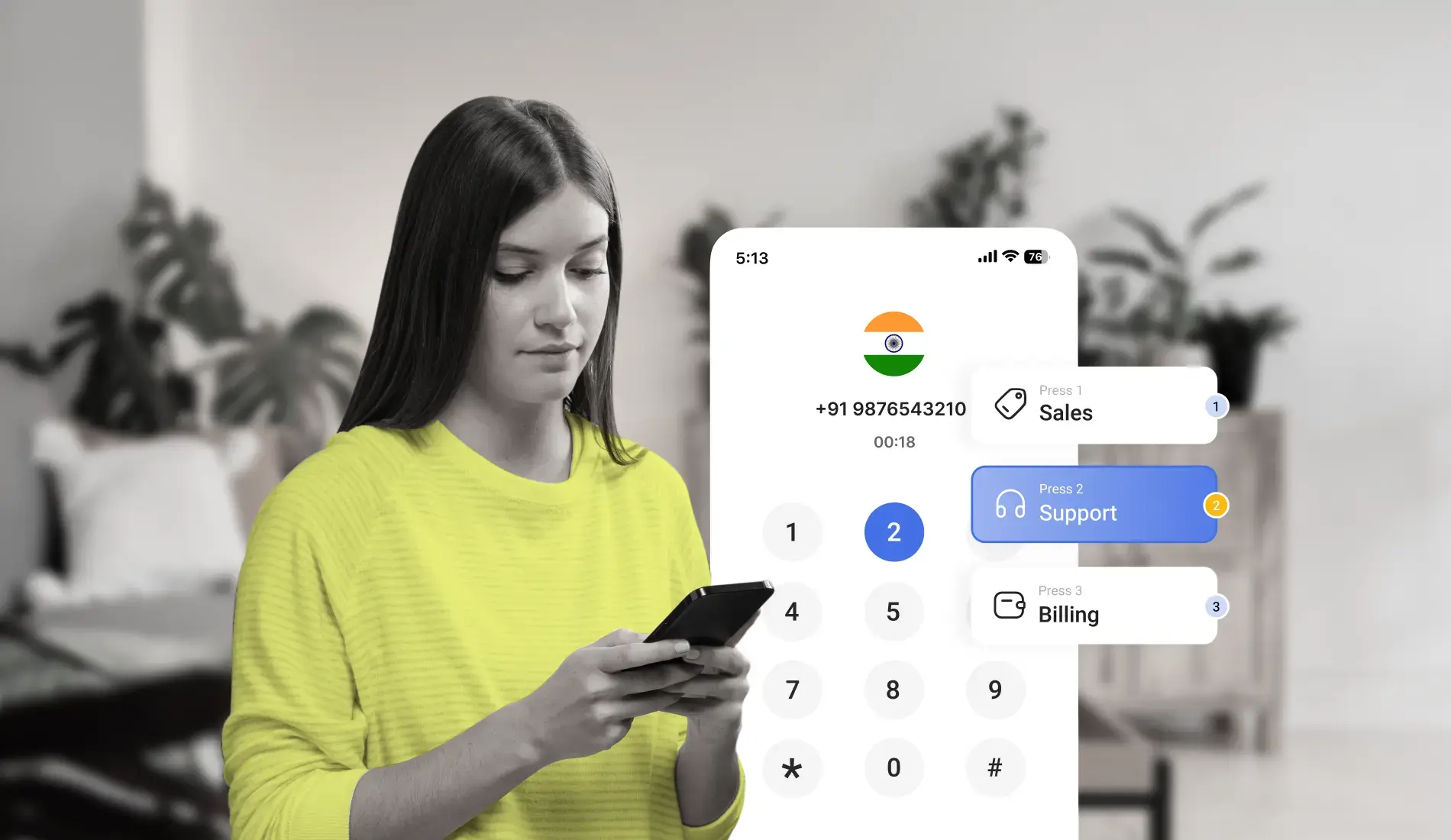
Call routing is the core function of any IVR system - it determines where a call goes based on the caller’s menu selection, the time of day, agent availability, and any other rules the business configures. For a small business, effective call routing means that every inbound call reaches the right team member on the first attempt without manual intervention.
The auto-attendant is what the caller interacts with - the professional greeting and menu that presents department options and collects the caller’s input before routing. For a small business, the auto-attendant replaces the function of a dedicated receptionist, presenting a professional, structured call experience to every caller regardless of whether the team has two people or twenty.
What to verify when evaluating: Can the routing rules be configured and updated by a non-technical team member without calling the vendor? Can you set different routing rules for business hours versus after-hours without creating two separate IVR setups? Is there a visual call flow builder or does configuration require scripting?
See our guide on IVR call routing strategies for a breakdown of routing types and when to use each
2. Automatic Call Distribution (ACD)
Automatic call distribution manages how inbound calls are allocated across available agents. When a caller’s menu selection has been captured and the call is ready to route to the right team, ACD determines which specific agent within that team receives the call - based on availability, skill level, or a round-robin distribution that ensures equal workload.
For a small business with two or three agents handling all inbound calls, ACD prevents one agent from receiving every call while another sits idle. As the team grows, ACD scales the same logic across a larger agent pool without requiring manual reconfiguration.
What to verify when evaluating: Does the platform support skill-based distribution - routing calls to the agent most qualified for that query type - or only availability-based distribution? What happens when no agent is available - does the call queue, go to voicemail, or route to a backup number?
3. Integration With Your Existing Business Tools
An IVR system that operates as a standalone phone system - routing calls but not sharing data with the rest of the business - creates a manual data entry burden for whoever handles calls. Every call outcome needs to be manually logged in the CRM. Every follow-up needs to be manually scheduled. Every missed call needs to be manually checked and actioned.
CRM integration eliminates this burden by synchronizing call data automatically. When a call arrives, the caller’s CRM record appears on the agent’s screen before they answer. When the call ends, the duration, outcome, and any notes sync to the CRM record automatically. For small business sales teams especially, this integration directly reduces the admin time that would otherwise follow every call.
What to verify when evaluating: Which specific CRM platforms does the IVR integrate with natively - not via a Zapier middleware connection? Does native integration include screen pop, automatic call logging, and two-way data sync, or only one-way logging? For Indian small businesses specifically, confirm native integration with Zoho CRM and Freshworks - the two most widely used CRM platforms in the Indian SMB market.
4. Natural Language Processing (NLP) Capability
Traditional IVR menus require callers to press a number to navigate. NLP-enabled IVR systems allow callers to speak naturally, “I want to check on my order” or “I need to speak with someone about billing” and the system interprets the spoken intent and routes accordingly without requiring the caller to navigate a fixed menu structure.
For small businesses serving customers with varying levels of digital comfort, particularly in India where callers across age groups and regional backgrounds interact with business phone systems, NLP reduces the navigation friction that causes callers to abandon the IVR and press 0 for an agent instead.
What to verify when evaluating: Is NLP included in the base plan or a paid add-on? Has the NLP been trained on the regional accents and languages relevant to your customer base, Tamil, Telugu, Kannada, Hindi - or only on standard English? What is the fallback when NLP fails to interpret the input correctly?
5. Call Queue Management
When all agents are on active calls and a new inbound call arrives, the call queue determines what the caller experiences - whether they hear an estimated wait time, hold music, a callback option, or nothing. For small businesses with limited agent capacity, call queue management is what separates a professional “your call is important to us, you are number 2 in the queue” experience from an unanswered ring.
Effective call queue management for small businesses includes: wait time announcements updated dynamically as queue depth changes, on-hold audio that keeps callers engaged during the wait, a callback option that allows callers to hang up and receive a call back when an agent is available, and overflow routing that redirects calls to a backup destination when queue depth exceeds a configured threshold.
What to verify when evaluating: Are wait time announcements dynamic, based on real queue data - or static? Is the callback option included in the base plan? What is the maximum queue depth the system supports before overflow routing activates?

HubSpot’s research on customer service consistently identifies the most common frustration in phone-based support as being transferred multiple times before reaching the right agent - a problem that proper call routing and ACD configuration eliminates at the IVR level before the call ever reaches a human agent.
How to Evaluate and Compare IVR Providers
Once you have identified the features your small business needs, comparing providers requires looking beyond the feature checklist. Here is how to evaluate the options that make your shortlist.
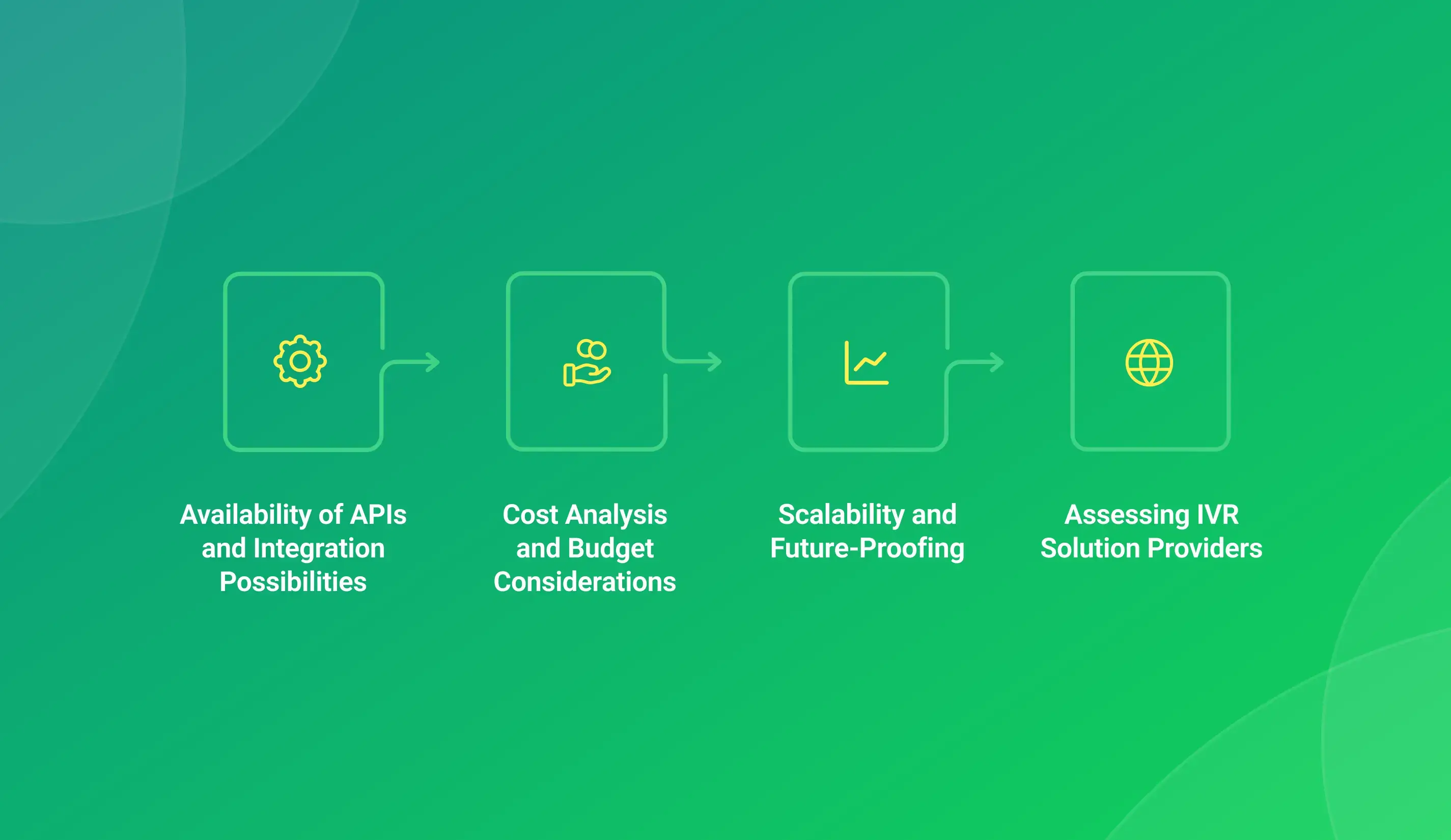
Check API Availability and Integration Depth
The difference between a provider that lists “Zoho integration” and a provider with a genuine native Zoho integration is significant. A listed integration that routes through a middleware connector introduces sync delays, additional failure points, and potential monthly costs on top of the IVR subscription. Ask specifically: is the CRM integration native or via Zapier? What data fields sync in both directions? Is there an additional cost for the integration?
API access matters for small businesses that use custom internal tools or industry-specific software that is not on the standard integration list. A provider with a well-documented API allows your developer to build a direct connection. A provider without API access locks you into only the integrations they have pre-built.
Assess Providers Using Independent Review Platforms
Provider websites present their own strengths. Independent review platforms - G2 and Capterra specifically - present what actual users experienced after signing up. When reviewing IVR service providers on these platforms, filter reviews by company size to see feedback specifically from small businesses rather than enterprise deployments. An IVR that works excellently for a 500-seat contact center may be significantly more complex and expensive than a 5-person team needs.
Look specifically at reviews that mention: ease of initial setup, support response time during technical issues, and whether pricing matched what was quoted versus what was billed.
Conduct a Realistic Cost Analysis
IVR pricing is often more complex than the headline monthly figure suggests. A complete cost picture for a small business includes: the base subscription per user per month, number porting fees if you are bringing an existing business number to the new platform, CRM integration fees if that integration is not included in the base plan, additional storage fees for call recordings beyond the included duration, and the difference between monthly billing and annual billing - annual plans are typically 15–25% cheaper but require a longer commitment before the platform has been fully validated in your workflow.
For Indian small businesses specifically, confirm whether pricing is in INR and whether there are additional GST charges on top of the listed price. Some international providers list pricing in USD and apply conversion rates that make the actual monthly cost significantly higher than the headline figure suggests.
Evaluate Scalability Specifically for Your Growth Trajectory
Scalability for a small business means something different from scalability for an enterprise. For a 5-person team that expects to grow to 20 over 18 months, the right scalability question is: can I add a new user in under 5 minutes from the dashboard without calling the provider? Can I add a new department menu option without IT involvement? Can I increase the number of concurrent call channels without a platform migration?
These questions confirm day-to-day operational flexibility - not theoretical scale. An IVR that requires a vendor call to add a new team member or a new menu option is not scalable for a small business regardless of the maximum number of seats the platform technically supports.
5 Factors Small Businesses Most Commonly Overlook When Choosing an IVR
1. Map Your Current Call Flow Before Evaluating Any Platform
The most common IVR implementation mistake is beginning platform evaluation before documenting how calls currently flow through the business. How many inbound calls does the business receive on an average day? What are the three most common reasons customers call? Which team member handles which query type? What happens to calls that come in after business hours?
Answering these questions before opening any provider’s demo environment means the evaluation is grounded in actual business reality rather than theoretical feature comparisons. An IVR configured around your real call flow is significantly more useful than one configured around the feature set that looked most impressive in a sales demo.
2. Confirm the System Scales With Your Specific Growth Plan
Not all growth looks the same. A business adding 3 new team members over the next year has different scalability needs from a business launching in a second city. Confirm specifically that the IVR can handle your expected growth trajectory - not just that it is “scalable” in a general sense.
Ask: if I add 5 users in 6 months, does the pricing change per user or per tier? If I open a second office location, can both locations operate under the same IVR number with different routing rules? If my call volume doubles during a seasonal peak, does the platform handle additional concurrent calls automatically or do I need to manually increase channel capacity?
3. Verify Industry-Specific Requirements Before Comparing Features
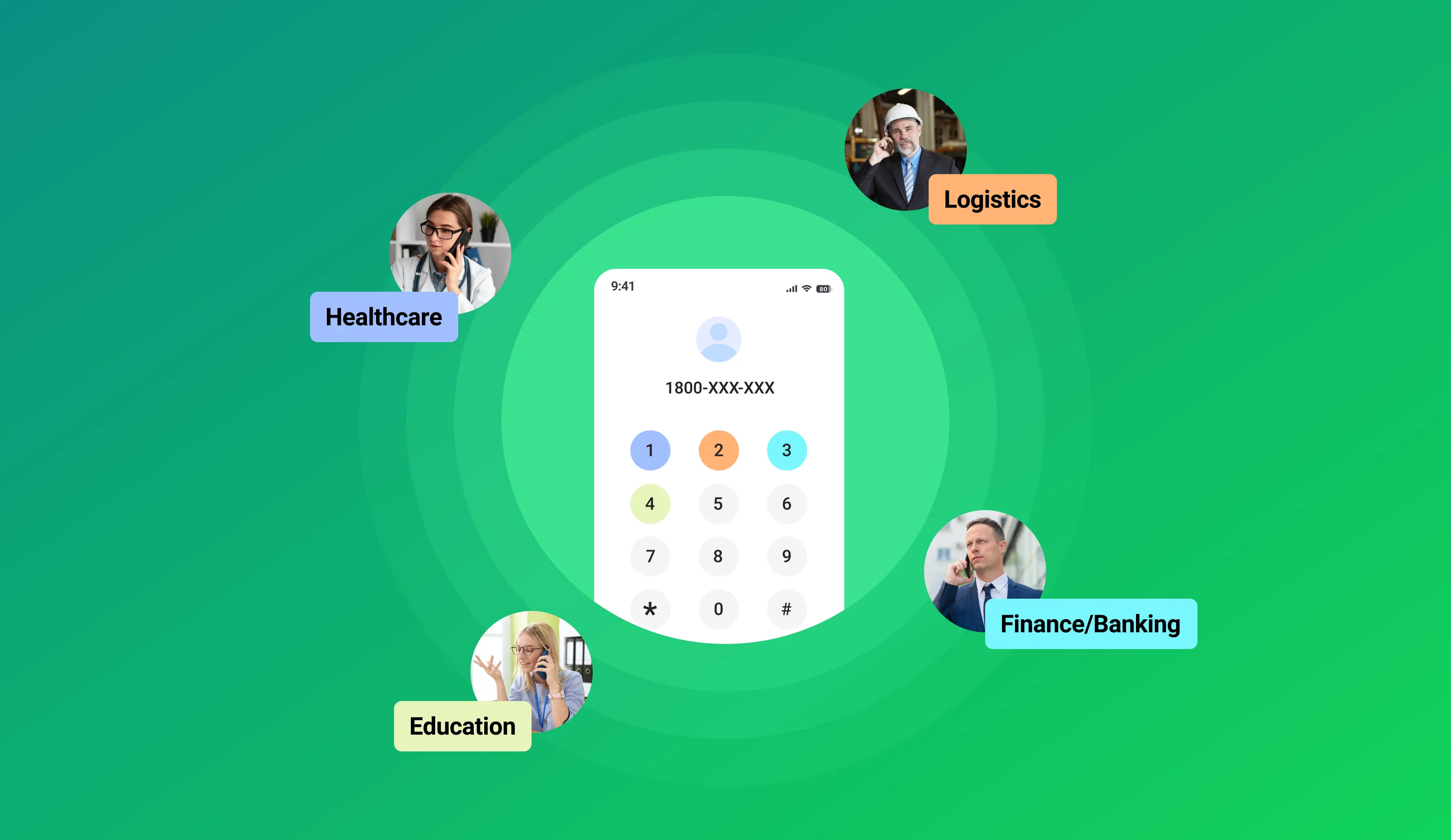
Different industries have different baseline requirements for IVR systems that supersede general feature comparisons. Healthcare businesses in India need IVR providers that can handle patient data in compliance with applicable health data regulations. Financial services businesses need call recording that meets RBI and SEBI audit requirements. E-commerce businesses need IVR that can integrate with order management systems - not just CRM platforms.
Identify your industry’s non-negotiable compliance requirements before building a feature comparison. A provider that scores highest on general feature criteria but does not meet your industry’s baseline compliance requirements is not a viable option regardless of its other strengths.
4. Measure Customer Experience With Actual Test Calls
The most reliable way to assess how an IVR system will perform for your customers is to make test calls through it during the provider’s free trial period - at the times of day when your customers typically call, using the menu options your customers would most commonly select, and at the queue depth your team typically manages.
An IVR that performs excellently on a test call made on a Tuesday morning with no queue load may perform differently at 5 PM on a Friday when your agents are occupied. Call quality, routing accuracy, and wait time behavior under realistic conditions are what your customers will actually experience - not the demo environment conditions.
5. Confirm TRAI Compliance and Data Security Standards
For Indian small businesses, TRAI compliance is a baseline requirement for any commercial IVR deployment. Confirm that the provider is TRAI registered and ULVNO compliant before evaluating any other capability. A provider that is not TRAI compliant exposes your business to regulatory risk regardless of how strong its feature set is.
Beyond TRAI compliance, confirm how call recordings are stored - where the data resides, how long it is retained, who has access to it, and whether it is encrypted at rest and in transit. For businesses handling sensitive customer information - financial details, health information, personal identification - these data security standards are as important as the IVR’s operational features.
According to Capterra’s IVR software buyer research, the three evaluation criteria small business buyers most consistently prioritize are ease of setup, integration with existing CRM tools, and transparent pricing - not feature depth or platform scale. These priorities reflect how differently small businesses buy software compared to enterprise teams.
6 Questions to Ask an IVR Provider Before You Sign Up
1. Can I set up and go live without a vendor call or IT team involvement?
If the answer is “most customers need onboarding support for initial configuration,” the platform was not designed for self-serve small business use. A genuine SMB IVR should be live the same day you sign up.
2. What happens when I need to add a new user or a new department menu option?
This question reveals operational flexibility. The right answer for a small business is “you add it from the dashboard in under 5 minutes.” The wrong answer involves anything that requires contacting support or waiting for configuration by the provider.
3. Is there a free trial that lets me test at my actual call volume?
A demo with a provider walking you through a pre-configured environment is not the same as a free trial where you configure the IVR yourself, port or assign your real business number, and receive actual inbound calls. The latter reveals real-world performance. The former reveals the best-case demo scenario.
4. What does support look like if something goes wrong during business hours?
For an Indian small business, “support is available 24/7” means nothing if the support team operates on US Eastern time. Confirm that live support is available during Indian Standard Time business hours - not just email or ticket-based support with a 24–48 hour response window.
5. Which CRMs integrate natively and what specifically does the integration do?
“We integrate with Zoho” needs to be unpacked. Does it log calls automatically to Zoho? Does it show a screen pop before the call connects? Does it sync call outcomes and recording links to the Zoho contact record? Native integration that only logs the call without the screen pop or the recording link provides significantly less value than a full native integration.
6. Is pricing per user or per call volume, and what happens if I exceed the limit?
Credit-based plans that charge per call, per SMS, and per WhatsApp message from a shared credit pool create unpredictable monthly costs that are difficult to budget on a small business income. Subscription-based pricing per user per month is significantly easier to forecast. Ask specifically what happens when a credit-based plan’s credits are exhausted mid-month - does the system stop working, or does it continue and charge overage rates?
TeleCMI for Small Businesses
TeleCMI is built for teams that need professional IVR capabilities without enterprise pricing or enterprise-level implementation complexity.
The platform is fully self-serve - a small business owner with no technical background can configure a multi-level IVR, set business hours routing, add team members, and go live the same day the account is created. There is no hardware to purchase, no vendor visit required, and no IT team needed.
Pricing starts at ₹587 per user per month on annual plans. A 14-day free trial is available with no credit card required - full IVR configuration is available from the first day of the trial so the evaluation reflects actual business use rather than a restricted demo environment.
TeleCMI integrates natively with Zoho CRM, Freshworks, HubSpot, Salesforce, LeadSquared, Pipedrive, and 170+ other business tools. Native integration includes screen pop before the call connects, automatic call logging after the call ends, and call recording links stored against the relevant CRM contact record.
Conclusion
The right IVR for a small business is not the one with the most features - it is the one that handles your actual inbound call volume, integrates with the tools your team already uses, goes live without IT involvement, and costs predictably as the business grows.
Map your current call flow before evaluating any platform. Test at real call volume during the free trial. Confirm TRAI compliance before comparing anything else. And ask the six questions above before signing up - the answers will tell you more about how the platform actually performs than any feature comparison table will.
Don’t Miss Out! Improve Call Handling with the Right IVR Solution!

Call Recording & Analytics
Call Queue Management
Voicemail & Call-back Option
Frequently asked questions (FAQ)
Saravana Kumar

I’m passionate about exploring and sharing insights on modern cloud communication technologies. At TeleCMI, I focus on helping readers understand the evolving world of cloud telephony and IVR solutions in a simple yet in-depth way. My goal is to deliver genuine value by turning complex telecom concepts into clear, actionable knowledge that builds trust and drives innovation.