IVR Best Practices: 19 Design Guidelines to Improve Call Handling in 2026

31 mins read

Posted on May 14, 2024


Saravana Kumar
SEO


Saravana Kumar
SEO






A well-designed IVR system is invisible. Callers reach the right destination quickly, get answers without waiting for an agent, and move on with their day. A poorly designed IVR is anything but invisible - callers notice every unnecessary menu, every misdirected transfer, every moment of silence where a helpful prompt should have been.
Most IVR problems are not technology problems. They are design problems. The platform works correctly - the call flow, menu structure, language options, and routing logic were simply not configured with the caller in mind.
This guide covers 19 IVR best practices across menu design, call routing, self-service, language, analytics, and proactive communication. Each practice includes what to do, why it matters for your business, and what a common mistake looks like so you can avoid it.
1. Keep the Navigation Menu Short and Simple
What it means:
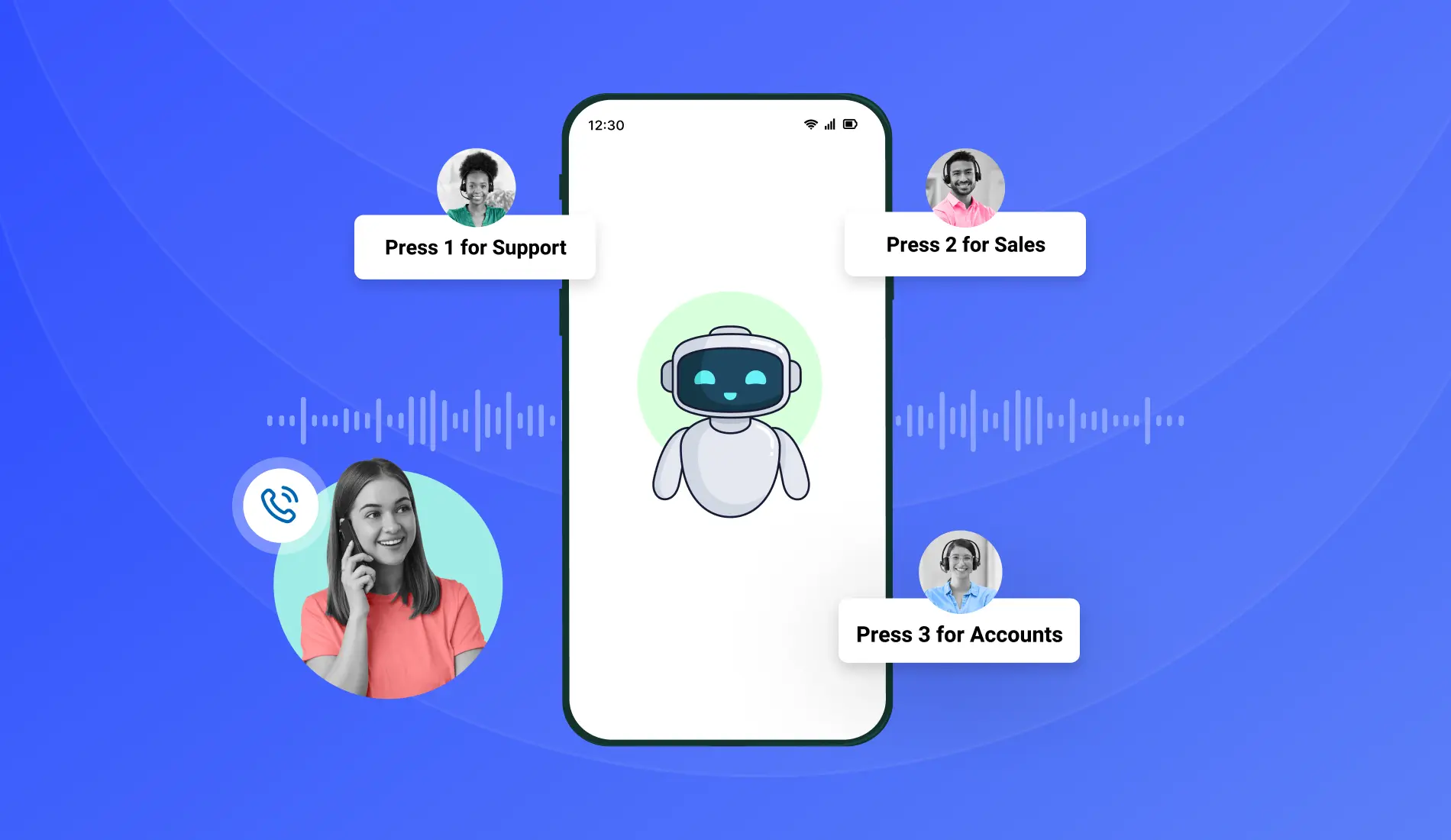
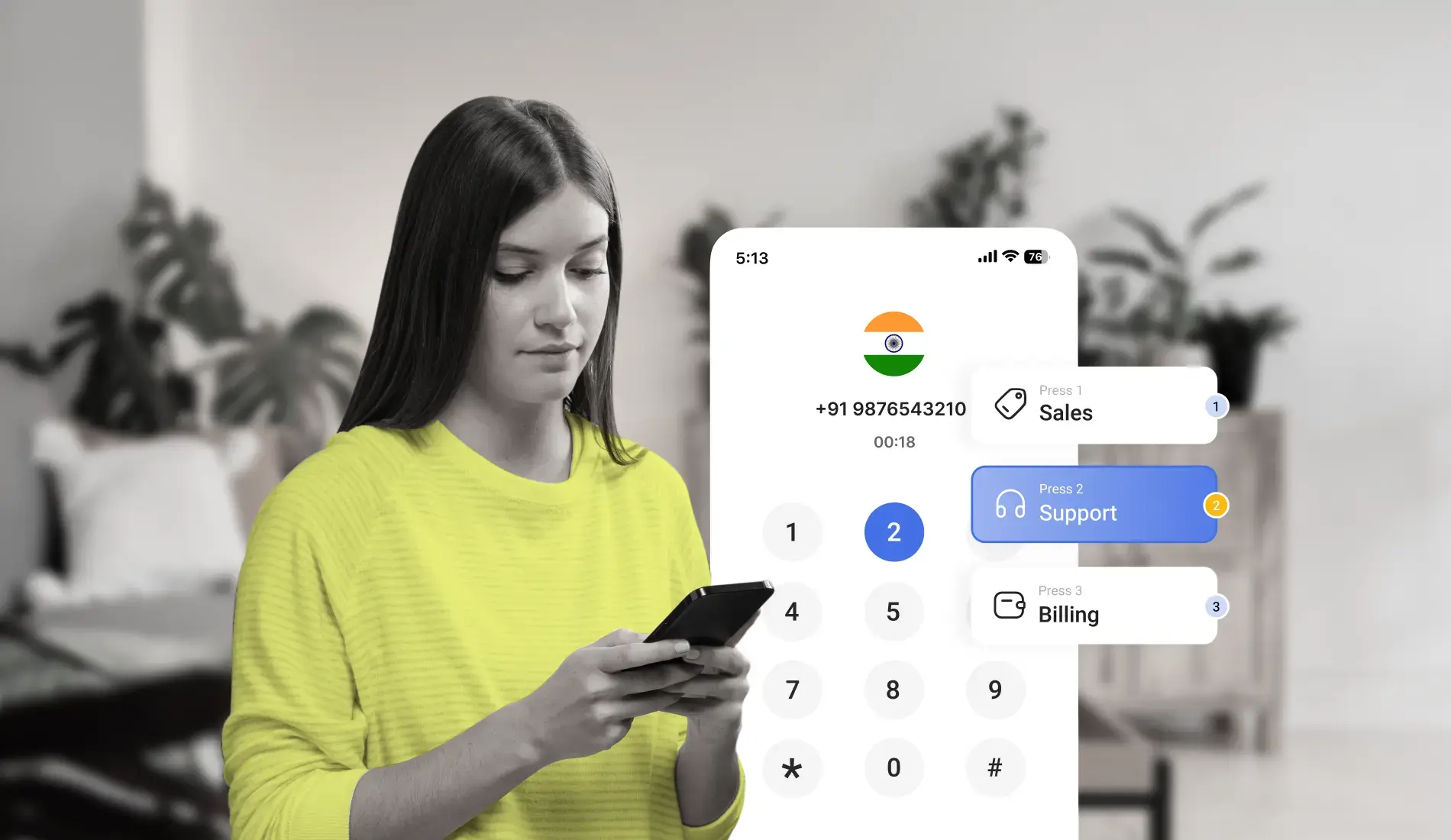
Limit your IVR menu to 3-4 options per level. Each option should take no more than 5 seconds to announce. The entire menu at any given level should be heard and understood within 20 seconds.
Why it matters:
Every additional menu option increases cognitive load for the caller. Research consistently shows that callers begin abandoning IVR menus after the fourth option - not because they have hung up but because they stop listening and press 0 to reach an agent instead. A short, clear menu means callers make the right selection the first time, reducing both transfer rates and repeat calls.
What good looks like:
A three-level IVR hierarchy works well for most businesses. Level one handles language preference. Level two handles query type - sales, support, or billing. Level three handles the specific query within that department. Callers move from entry to destination in under 45 seconds.
Common mistake to avoid:
Designing the menu around your internal org chart rather than how callers describe their own problems. Callers do not say "I need to reach the post-sales revenue operations team." They say "I have a question about my bill." Design menus using the language callers use, not internal department names.
2. Place Engaging On-Hold Music
What it means:
When routing calls to an available agent, play on-hold audio that keeps callers engaged rather than silence or a repetitive single-tone loop. On-hold audio can be music, a rotating set of informational messages, or a combination of both.
Why it matters:
Silence during hold time is the single biggest driver of early hang-ups. A caller who hears nothing assumes the call has dropped. A caller who hears music or information knows the call is active and the wait is progressing. The difference in hold abandonment rates between silence and well-chosen on-hold audio is significant - industry data consistently shows 15–20% lower abandonment when hold audio is present.
What good looks like:
Use on-hold time to share genuinely useful information - product updates, service announcements, self-service options available on the website, or estimated wait time updates. Avoid using hold time exclusively for promotional content. Callers who feel they are being sold to while waiting become more frustrated, not less.
Common mistake to avoid:
Playing the same 30-second promotional audio clip on a 4-minute loop. By the third repetition, most callers have heard the clip four times and are more irritated than when they started. Vary the content and keep individual clips under 45 seconds before returning to music.
3. Use Skill-Based and Advanced Call Routing Methods
What it means:
Configure your IVR to route calls based on agent expertise, not just availability. Skill-based routing matches the caller's need - identified through their menu selection or previous interaction history - to the agent best qualified to resolve it.
Why it matters:
The most common source of IVR frustration is not the menu itself - it is being transferred to the wrong person after navigating the menu correctly. A caller who selects "technical support" and reaches a billing agent has had a worse experience than if the IVR had not routed the call at all. Skill-based routing eliminates this by ensuring the routing decision is based on competence, not just headcount.
What good looks like:
Map each IVR menu option to a specific agent skill group. Billing queries route to agents trained in billing. Technical queries route to technical agents. If no skilled agent is available, configure a priority queue that ensures the caller waits for the right agent rather than being transferred to anyone who picks up.
Common mistake to avoid:
Configuring routing to balance load rather than match skill. Distributing calls equally across all agents sounds operationally efficient but consistently produces poor first-call resolution rates. A 15-second longer wait to reach the right agent is always preferable to an immediate transfer to the wrong one.
4. Use Sticky Agent for Returning Callers
What it means:
Sticky agent automatically routes a returning caller to the same agent they spoke with previously. The system identifies the caller's number, checks call history, and connects them to their last agent if that agent is available.
Why it matters:
Returning callers who reach the same agent do not have to re-explain their situation. The agent already has the context - what was discussed, what was promised, what the current status is. This reduces average handle time on repeat calls and produces measurably higher customer satisfaction scores compared to calls where the caller starts from scratch with a new agent.
What good looks like:
Configure sticky agent with a sensible time window - typically 7 to 30 days depending on your average case resolution cycle. A caller who spoke with an agent 6 months ago does not benefit from sticky agent routing. A caller who spoke yesterday does. Set the window to match your typical interaction frequency.
Common mistake to avoid:
Enabling sticky agent without a fallback rule. If the preferred agent is unavailable, the call must still route somewhere. Configure a fallback to the agent's team first, then to the general queue. Never let a sticky agent rule result in a caller waiting significantly longer than average just because their preferred agent is on another call.
Experience seamless IVR setup with a Free Trial! Start today for better service!
Start Your Free Trial5. Enable Self-Service Using Conversational AI
What it means:
Integrate conversational AI into your IVR so callers can speak naturally to resolve routine queries without agent involvement. Instead of pressing menu numbers, callers describe their issue in their own words and the system interprets the intent and responds accordingly.
Why it matters:
Traditional IVR self-service requires callers to fit their query into one of your predefined options. Conversational AI removes that constraint - a caller who says "I want to know when my order is arriving" receives an accurate answer regardless of whether your menu has an "order tracking" option. The result is higher self-service completion rates and lower agent call volume on routine queries.
What good looks like:
Connect your FAQ database and CRM to the conversational AI layer so the system can pull real-time data during the call. When a caller asks for their account balance, the system authenticates, retrieves the balance, and responds - without involving an agent. When a caller's query falls outside the self-service scope, the system transfers smoothly with a summary of what was already asked.
Common mistake to avoid:
Deploying conversational AI without training it on your actual call types. A generic NLP model that has not been trained on your product vocabulary, common customer questions, and error scenarios will misinterpret intent frequently enough to frustrate callers more than a simple DTMF menu would. Train on real call transcripts before going live.
6. Use Wait Time to Engage Callers and Reduce Hang-Ups
What it means:
During periods when callers are waiting in queue, use that time to deliver content that keeps them informed, reduces anxiety about wait time, and surfaces self-service alternatives they may not have considered.
Why it matters:
The primary driver of queue abandonment is not wait time itself - it is uncertainty. A caller who knows they are number 4 in the queue and will wait approximately 3 minutes is significantly more likely to stay than a caller who has been on hold for 90 seconds with no information. Estimated wait time announcements alone reduce queue abandonment by a meaningful margin.
What good looks like:
Cycle through three content types during hold: estimated wait time updates every 60 seconds, self-service alternatives ("if your query is about order status, you can also check via our website or app"), and brief product or service information. Keep each segment under 45 seconds and return to music between them.
Common mistake to avoid:
Providing a wait time estimate that is consistently wrong. If the IVR says "your estimated wait time is 2 minutes" and the actual wait is 8 minutes, the caller feels deceived on top of frustrated. Either configure dynamic wait time based on real queue data or use a range ("your estimated wait is 2 to 5 minutes") that manages expectations more honestly.
7. Add Language Preference as the First Menu Option
What it means:
If your business serves customers who speak different languages, make language selection the very first option in the IVR - before any query type, department selection, or product navigation.
Why it matters:
A caller who does not understand the language of the IVR prompt cannot navigate any of the options that follow. For Indian businesses serving customers across Tamil Nadu, Telangana, Karnataka, Maharashtra, and North India simultaneously, language selection is not a convenience feature - it is the foundation that makes every subsequent menu option accessible. A caller who selects Tamil at step one receives every subsequent prompt, greeting, and routing decision in Tamil.
What good looks like:
Announce language options in each language itself, not in a single language. "For English, press 1. Tamil-il pesuvadharku, 2 anukku press seyyungal. Telugu kosam, 3 press cheyyandi." Each language option is announced in that language so callers who do not understand English can still identify their option.
Common mistake to avoid:
Placing language selection deep in the menu structure - after query type selection. By the time a Tamil-speaking caller has heard English prompts for departments and query types, they have already had a poor experience. Language must come first, always.
8. Welcome Callers With a Branded Greeting Message
What it means:
The first audio a caller hears when they reach your IVR should be a professional, warm greeting that confirms they have reached the right business, sets the tone for the interaction, and transitions naturally into the first menu.
Why it matters:
The greeting is the caller's first impression of your phone-based customer experience. A generic "thank you for calling, please listen to the following options" from a robotic voice signals that the business has not invested in the caller experience. A branded, warm greeting in a professional voice builds immediate trust - the caller knows they have reached the right place and feels the business takes communication seriously.
What good looks like:
Keep the greeting to 8–12 seconds. Include the business name, a brief welcome, and a transition into the first menu. Example: "Thank you for calling TeleCMI, India's cloud telephony platform. To continue in English, press 1. Tamil-il pesuvadharku, 2 anukku press cheyyungal." Record the greeting in a studio-quality environment with a consistent voice that is used across all prompts.
Common mistake to avoid:
Recording the greeting in a different voice or acoustic environment from the menu prompts that follow. When the greeting sounds professional but the menu prompts sound like they were recorded on a laptop microphone in a different room, the inconsistency is immediately noticeable and undermines the professional impression the greeting was meant to create.
Experience seamless IVR that callers actually want to use
Set up multi-level IVR, smart routing, and self-service flows in minutes - no hardware required.
9. Always Give the Option to Connect With a Live Agent
What it means:
At every level of your IVR menu, include a clearly announced option to speak with a live agent. This option should be reachable with a single keypress and should be announced last in each menu - after the self-service options - but always present.
Why it matters:
Self-service IVR handles routine queries well. It does not handle complex, emotional, or unusual queries well. A caller whose issue falls outside the IVR's designed scope needs an exit path to a human agent. Without one, they will either hang up or keep pressing 0 until they find a way through. Providing the agent option clearly and reliably builds trust - callers are more willing to try self-service when they know a human is one keypress away if needed.
What good looks like:
"To speak with a customer service representative, press 0 at any time." Announce this option consistently across all menu levels. At the end of a self-service flow that did not fully resolve the caller's query, offer the agent option before the call ends rather than returning to the main menu.
Common mistake to avoid:
Hiding the agent option behind multiple menus or not announcing it at all in an attempt to increase self-service rates. This strategy backfires - callers who feel trapped in an IVR with no agent exit give up entirely and may never call again. Self-service adoption grows through good design, not through removing alternatives.
10. Redirect Callers to App or Website for Common Information
What it means:
For queries that are best answered through a visual interface - order tracking with a shipment map, knowledge base articles, account statements - the IVR can redirect callers to the relevant section of your app or website rather than attempting to read the information aloud over the phone.
Why it matters:
Some information is genuinely harder to communicate by voice than by screen. A caller asking “what documents do I need for a home loan application?” will have a better experience reading a formatted list on your website than listening to an agent recite 12 items over the phone. Redirecting to digital channels for information-heavy queries reduces average handle time and produces better outcomes for the caller.
What good looks like:
Include the redirection as a genuine self-service option in the menu - not as a way to avoid handling the call. “For a complete list of required documents, you can also visit telecmi.com/documents. To speak with an agent about your application, press 2.” The caller gets both options and chooses based on their preference.
Common mistake to avoid:
Redirecting callers to a digital channel without confirming they have access to it. A caller who does not use a smartphone cannot use your app. Elderly callers or callers in low-connectivity areas cannot reliably access your website during a call. Always keep the agent option available alongside digital redirects.
11. Allow Callers to Return to Previous Menus
What it means:
At the end of each IVR menu level, include an option to return to the previous menu or the main menu. This allows callers who selected the wrong option to correct their choice without hanging up and calling again.
Why it matters:(
Callers make wrong menu selections - especially on first contact with a new IVR system. If there is no way to go back, they either hang up and redial or press random keys hoping to find the right path. Both behaviors inflate call volume metrics and produce poor caller experience. A simple “press 9 to return to the main menu” eliminates this entirely.
What good looks like:
Announce the back-navigation option at the end of every menu level’s announcement - not as the first option. “To go back to the main menu, press 9. To speak with an agent, press 0.” Keep it consistent across all levels so callers learn the pattern after one use.
Common mistake to avoid:
Placing the back-navigation option as the first announcement on a menu level. Callers who want to navigate forward hear the back option first and may accidentally select it. Always place forward navigation options before back and exit options in the menu announcement sequence.
12. Send Post-Call SMS to Collect Customer Feedback
What it means:
After a call concludes, trigger an automated SMS to the caller’s number with a brief one-question feedback prompt. The caller rates their experience by replying with a number or clicking a link - no callback, no survey form, no effort required from the agent.
Why it matters:
Real-time feedback collected immediately after a call is significantly more accurate than feedback collected hours or days later. A caller who resolved their billing query in under 3 minutes and received a friendly, efficient IVR experience will rate it highly when asked within minutes. The same caller asked the next day may not remember the details. Immediate post-call SMS feedback gives businesses a consistent, high-response data source for IVR and agent performance measurement.
What good looks like:
Keep the SMS to one question and one action. “Thank you for calling TeleCMI . How satisfied were you with your call today? Reply 1 (Satisfied), 2 (Neutral), or 3 (Unsatisfied).” Responses feed into your analytics dashboard automatically. Aggregate weekly trends identify patterns - specific menu levels, specific agent teams, or specific time periods consistently scoring lower.
Common mistake to avoid:
Sending long SMS surveys with multiple questions. Response rates for multi-question SMS surveys are significantly lower than single-question ones. One data point from 60% of callers is far more valuable than five data points from 8% of callers.
13. Make Your IVR Number Easy to Find
What it means:
Your IVR or toll-free number should appear prominently on every customer-facing touchpoint - website header and footer, product dashboard, order confirmation emails, product packaging, social media profiles, and app support sections.
Why it matters:
A caller who cannot immediately find your phone number will either contact support through a less efficient channel, search online and potentially find a competitor, or simply give up. The effort of finding the number adds friction before the call has even started - and a caller who arrives frustrated before they have spoken a word is harder to serve effectively than one who reached you easily.
What good looks like:
Your IVR or toll-free number appears in the same location on every page of your website - ideally in the top navigation or header. It is included in every transactional email your business sends. It appears in your Google Business Profile, your social media bios, and any physical product packaging. Callers never need to search for it.
Common mistake to avoid:
Using different numbers in different places - one number on the website, a different number in email signatures, a third in the app. Multiple contact numbers split inbound call volume across different IVR configurations and create inconsistent caller experiences depending on which number was dialed. Standardize on one primary number everywhere.

Salesforce research consistently shows that customers who receive service in their preferred language and through their preferred channel report significantly higher satisfaction scores - reinforcing why language-first IVR design and omnichannel accessibility are among the highest-impact design decisions a business can make.
14. Create Product-Specific IVR Menus to Reduce Option Overload
What it means:
Instead of building one IVR with all products and services under a single menu, create separate IVR flows - and optionally separate numbers - for each product line. Each product’s IVR is shorter, more specific, and easier to navigate because it only covers that product’s query types.
Why it matters:
A business with three product lines that builds a single IVR to serve all three ends up with a menu that is three times longer than it needs to be for any individual caller. A caller with a question about Product A still has to listen to options for Products B and C before finding their path. Product-specific IVR eliminates this by ensuring that every caller who reaches the IVR is already in the right product context before the first menu option is announced.
What good looks like:
Assign a dedicated number to each product and configure a separate IVR for each. Your website’s Product A support page shows Product A’s IVR number. The Product B dashboard shows Product B’s number. Callers arrive at the right IVR automatically based on where they called from - no product selection menu needed.
Common mistake to avoid:
Creating product-specific IVRs without coordinating the agent routing on the back end. If Product A’s IVR routes to the same general support queue as Product B’s IVR, agents still receive calls without knowing which product the caller is asking about. The product context must flow through to the agent, not just to the menu structure.
15. Integrate IVR With Your CRM
What it means:
Connect your IVR system to your CRM so that caller information, interaction history, and call outcomes are synchronized automatically in both directions. When a call arrives, the CRM record opens on the agent’s screen. When the call ends, the outcome and duration are logged against the caller’s record without manual entry.
Why it matters:
CRM integration transforms the IVR from a routing tool into a relationship management tool. An agent who sees the caller’s name, account status, previous interaction history, and open tickets before saying a word delivers a fundamentally different service experience from an agent who asks “can I get your account number?” as their first line. The caller feels recognized. The agent responds from a position of context rather than ignorance.
What good looks like:
When an inbound call arrives, the IVR identifies the caller’s number, queries the CRM for a matching record, and passes that record’s data to the agent’s screen before the call connects. The agent sees: caller name, account tier, last interaction date, open tickets, and any CRM notes from previous agents. The IVR’s menu selection - which department, which query type - is also passed to the agent so they know what the caller is calling about before the caller explains it.
Common mistake to avoid:
Treating CRM integration as a one-way data flow - the IVR logs calls to the CRM but does not pull CRM data to influence routing. The highest-value use of CRM integration in IVR is inbound - using the caller’s CRM profile to make routing decisions. A caller flagged as VIP in the CRM routes to a senior agent automatically. A caller with an open complaint ticket routes to the agent handling that ticket. These decisions require the IVR to query the CRM, not just write to it.
16. Experiment, Analyze, and Continuously Improve
What it means:
Treat your IVR as a live product that requires ongoing measurement and optimization - not a configuration that is set once and left to run. Review IVR analytics on a regular cadence, identify where callers are abandoning, transferring, or selecting unexpected options, and make targeted improvements based on that data.
Why it matters:
The IVR that worked well when your business had two products and one support team will not work as well after three years of growth, new product launches, and team reorganization. Call patterns change. Customer query types evolve. An IVR that is not actively maintained gradually becomes misaligned with how callers actually behave - and abandonment rates and transfer rates climb while nobody notices because the system is technically “working.”
What good looks like:
Review three metrics weekly: IVR abandonment rate by menu level (where are callers pressing 0 or hanging up), self-service completion rate (what percentage of callers resolve their query without agent transfer), and menu option distribution (which options are selected most and least). A menu option that is selected by fewer than 3% of callers for three consecutive weeks is a candidate for removal or consolidation.
Common mistake to avoid:
Analyzing IVR data in isolation from agent data. An IVR abandonment spike at a particular menu option often correlates with an increase in agent calls about the same topic - callers are abandoning the self-service flow and calling back to reach an agent. Only by looking at both data streams simultaneously can you identify whether the menu option needs better design, better self-service content, or a clearer announcement.
According to Zendesk’s Customer Experience Trends Report, businesses that use analytics to understand call patterns and measure IVR performance consistently outperform those relying on manual observation alone - both in first-call resolution rates and in overall customer satisfaction scores.
17. Offer Both DTMF and Voice Recognition Input Options
What it means:
Give callers the choice to navigate your IVR either by pressing keys on their keypad (DTMF - Dual Tone Multi Frequency) or by speaking their selection aloud. Both input methods should be available simultaneously on every menu level.
Why it matters:
Different callers prefer different input methods. Callers in noisy environments - driving, in a crowded space - find keypad input more reliable than voice. Callers who are multitasking find voice input faster than switching their phone from speaker to keypad. Elderly callers often find spoken confirmation more natural than pressing numbers. Offering both removes the friction of a forced input method and reduces the number of invalid inputs the IVR receives.
What good looks like:
Every menu prompt announces both options simultaneously. “For sales, press 1 or say ‘sales.’ For support, press 2 or say ‘support.’” The IVR listens for both a keypress and a spoken response simultaneously during the input window. If the spoken input is unclear, the system prompts the caller to either repeat or use keypad input as a fallback.
Common mistake to avoid:
Announcing voice recognition as an option but not training the system adequately on the relevant vocabulary. An IVR that announces “or say your selection” but fails to recognize the spoken response 40% of the time undermines trust in the entire system. Only activate voice recognition after testing recognition accuracy on the specific words callers will use - including regional accents relevant to your customer base.
18. Apply Error Prevention and Recovery Techniques
What it means:
Design your IVR call flow to anticipate and handle input errors gracefully - without requiring callers to start over, without delivering confusing error messages, and without creating dead ends where the caller has no clear path forward.
Why it matters:
Every IVR will receive invalid inputs - callers pressing the wrong key, staying silent during the input window, speaking when keypad input is expected, or making selections that conflict with their stated query. How the IVR handles these moments determines whether the caller stays in the flow or abandons. A graceful error recovery keeps the caller moving forward. A harsh “invalid input” error that repeats the same prompt without adaptation loses the caller.
What good looks like:
Configure a maximum of two error recovery attempts before automatically routing the caller to a live agent. The first error: replay the menu with a gentle prompt - “We didn’t catch that. Let’s try again.” The second error: offer a simplified version of the menu with fewer options. After the second failed attempt: “Let me connect you with one of our team members who can help.” The caller is never stuck.
Common mistake to avoid:
Playing the full menu again after every invalid input. A caller who pressed the wrong key does not need to hear all six menu options again from the start. They need to hear the option they likely meant to select, confirmed with a question. “I heard you press 3. That’s for billing. Is that correct? Press 1 for yes or 2 to hear other options.” Targeted recovery is faster and less frustrating than full-menu replay.
19. Send Proactive Outbound Notifications to Reduce Inbound Call Volume
What it means:
Use your IVR system’s outbound calling and SMS capability to proactively notify customers about updates, reminders, and alerts before they need to call in to ask about them. A customer who already knows their order is delayed does not generate a “where is my order?” call.
Why it matters:
A significant percentage of inbound call volume in most businesses is driven by customers seeking information that the business could have sent proactively. Order status, appointment reminders, payment confirmations, account alerts, and delivery updates are all information categories that are more efficiently delivered outbound than handled inbound. Every proactive notification that reaches the right customer at the right time eliminates one inbound call and the associated agent time.
What good looks like in specific sectors:
Banking and financial services: Real-time SMS alerts for large transactions, multiple login attempts, or payment due dates. The customer receives the alert, takes action if needed, and never needs to call in to check their account status. If action is required, the SMS includes a direct response option - “Reply CONFIRM to approve this transaction or BLOCK to flag it.”
E-commerce and retail: Order dispatch confirmations, delivery window notifications, and delay alerts sent automatically as order status changes. A customer who receives a message saying “your order is delayed by 2 days and will arrive on Thursday” does not call to complain about a missing order - they already have the information.
Healthcare: Appointment reminders sent 48 hours and 4 hours before the scheduled time with confirmation or cancellation options built into the SMS. Practices that use proactive appointment reminders consistently see no-show rates drop by 20–40% compared to practices that rely on inbound calls to confirm attendance.
Travel and hospitality: Gate change notifications, check-in reminders, and baggage claim updates sent directly to the passenger’s phone. Flight delay information delivered proactively eliminates dozens of “what is happening with my flight?” calls during disruption events.
Common mistake to avoid:
Sending proactive notifications without a clear response path. A customer who receives a notification about a potential account security issue needs an immediate, obvious way to respond - either through SMS reply, a direct phone number, or a link. A notification that raises concern without providing a resolution path increases inbound call volume rather than reducing it. Every proactive notification should answer: “what does the customer do next?”
IVR Best Practices by Business Size
Not every IVR best practice delivers the same impact at every scale. Here is how to prioritize based on where your business is right now.
For small businesses with 2–10 employees:
Focus first on practices 1, 7, 8, 9, and 13. A small team’s biggest IVR risk is menu complexity that routes callers nowhere useful or a number that is hard to find. Keep menus short, greetings warm, language options first, and always include agent access. These five practices deliver the most visible improvement for the least configuration effort.
For growing businesses with 10–50 employees:
Practices 3, 4, 5, 14, 15, and 16 become increasingly important. Time-based routing, sticky agent, self-service, product-specific menus, CRM integration, and analytics matter significantly at this scale. This is when IVR design moves from “configure and forget” to “continuously optimize.” Schedule a monthly IVR review with your operations lead.
For contact centers with 50 or more agents:
Practices 2, 6, 10, 11, 17, 18, and 19 have the biggest operational impact at scale. On-hold content, wait time communication, digital channel redirection, back-navigation, dual input modes, error recovery, and proactive notifications all affect cost-per-call and NPS at high volume. At this scale, even a 5% improvement in self-service completion rate translates to hundreds of hours of recovered agent time per month.
Conclusion
IVR design is not a technical configuration task - it is a customer experience decision made at every menu option, every routing rule, and every recorded prompt. The 19 practices above address the most common failure points across IVR systems of all sizes and industries.
Start with the practices that address your highest-volume pain points first. If abandonment is your primary problem, focus on menu simplicity, wait time communication, and error recovery. If transfer rates are the issue, focus on skill-based routing, sticky agent, and CRM integration. If self-service adoption is low, focus on conversational AI, language preference, and proactive notifications.
An IVR that callers navigate successfully on the first attempt - and that agents receive calls from with full context - is not an aspirational goal. It is an achievable configuration that starts with the practices above.
Set Up an Efficient IVR System Today!

Time-based Routing
Custom Greetings & Prompts
Integration with Chatbots
Frequently asked questions (FAQ)
Saravana Kumar

I’m passionate about exploring and sharing insights on modern cloud communication technologies. At TeleCMI, I focus on helping readers understand the evolving world of cloud telephony and IVR solutions in a simple yet in-depth way. My goal is to deliver genuine value by turning complex telecom concepts into clear, actionable knowledge that builds trust and drives innovation.