What Is IVR Software? How It Works, Key Features & How to Choose in 2026

12 mins read

Posted on Oct 28, 2026

Saravana Kumar
SEO


Saravana Kumar
SEO






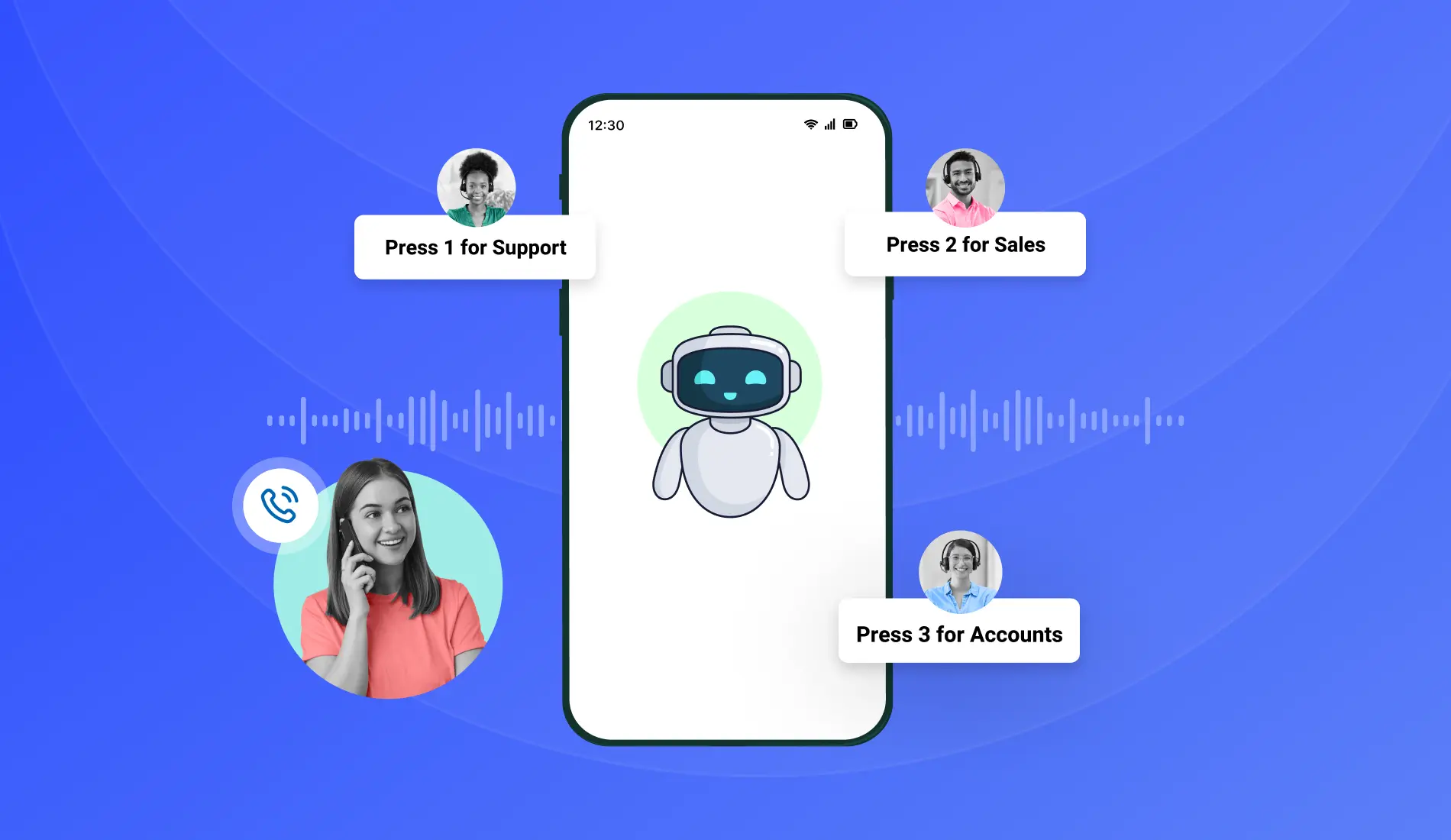
IVR software answers business calls with an automated voice menu, reads what the caller presses or says, and either routes the call to the right person or completes the task on its own.
Call almost any business line in India on a busy Monday, and the first voice you hear is often not a person. It's an IVR. Behind that short greeting, software has already looked up the caller, played the right menu, and started working out where the call should go. No receptionist is needed for that part.
The category keeps growing. Fortune Business Insights estimates the global IVR market at USD 5.81 billion in 2026 and projects it will reach USD 9.01 billion by 2034, representing about 5.6% annual growth. Teams of every size are adding it for one simple reason. A phone line that answers well at 9 AM and at 9 PM, even on a Diwali weekend, makes a business look dependable.
This guide covers what IVR software is, how a call moves through it, the four types on offer, the features worth comparing, and the checks to run before buying. By the end, the right choice for your team should be easy to spot.
How Does IVR Software Work?
A call moves through IVR software in six steps: it connects, a greeting plays, the caller responds, routing rules run, the call is resolved or handed to an agent, and the details are logged. McKinsey research on contact centers found that IVR handles about twice as many customer interactions as live-agent calls, so this flow runs more often than most people realize. Here is how a single call plays out.
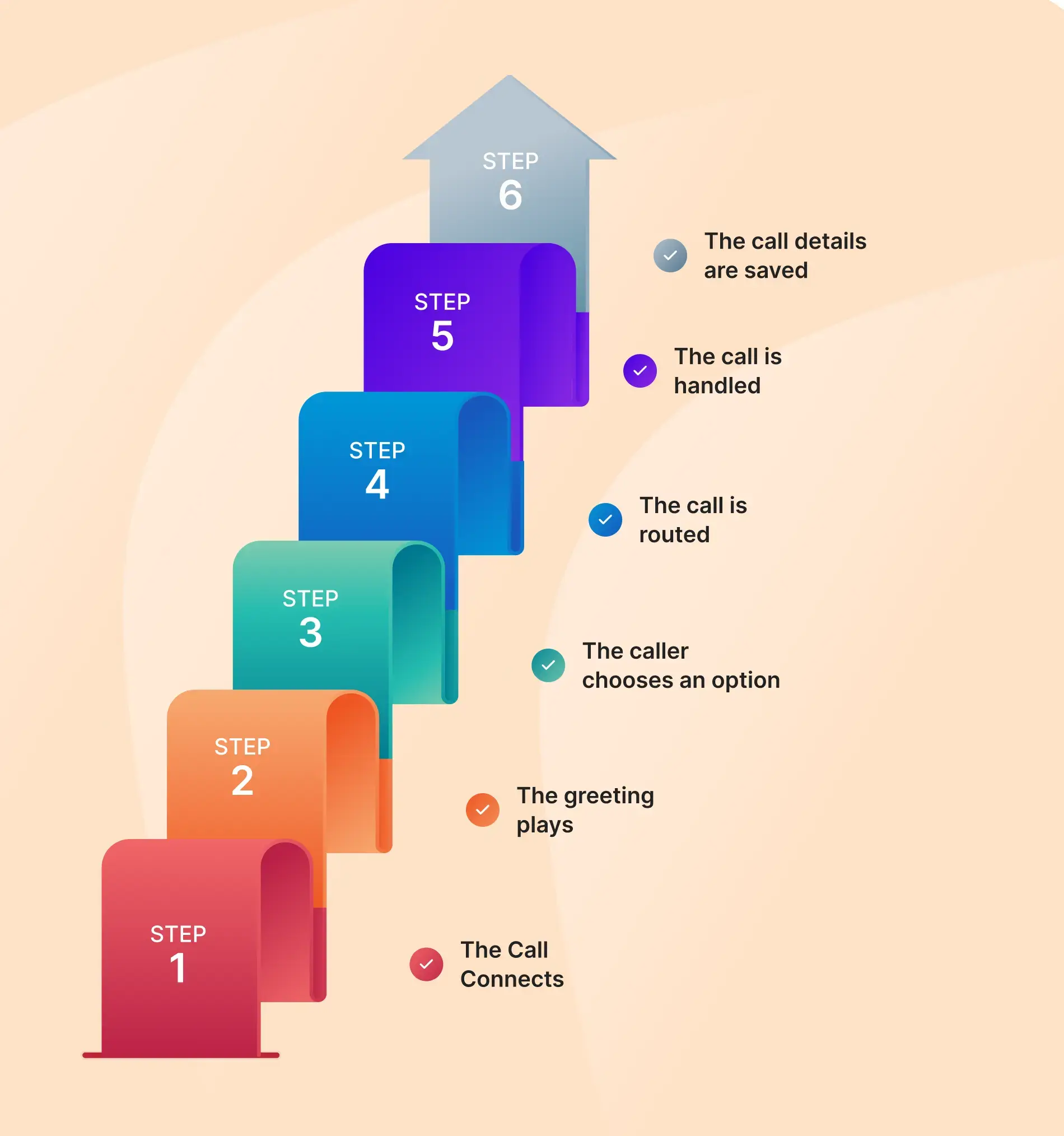
Step 1: The call connects
When a customer calls your business, the IVR system receives the call. It can check the caller’s number against your CRM and show their name and call history if they are an existing customer.
Step 2: The greeting plays
The system plays a recorded greeting or a text-to-speech message. The greeting can change based on the time, caller, or number dialed. For example, callers after business hours can hear your opening hours.
Step 3: The caller chooses an option
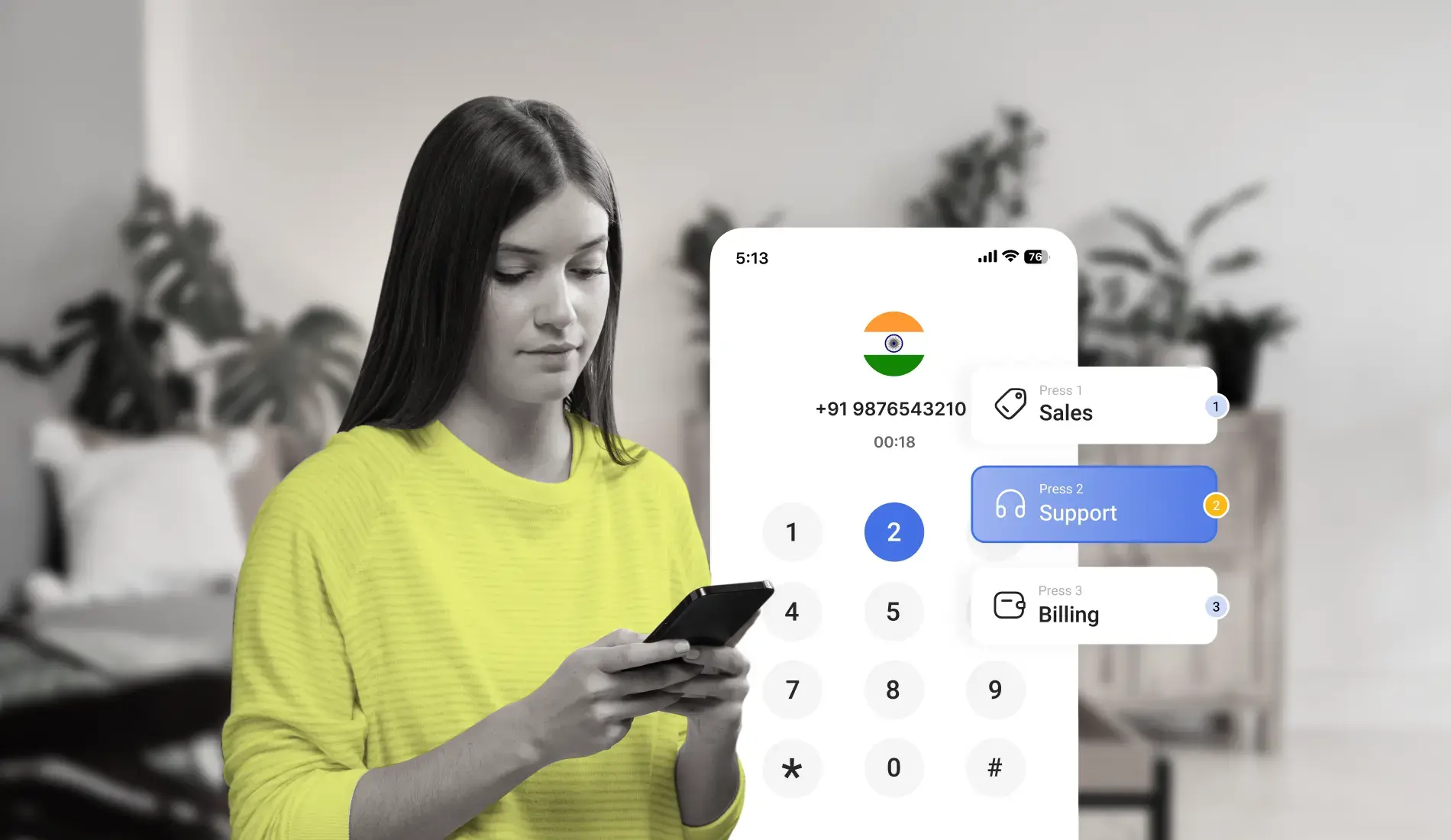
The caller can press a number on the keypad or say what they need. For example, pressing 2 or saying “billing” can take them to the billing team.
Step 4: The call is routed
The IVR follows your routing rules to direct the call to the right place. It can send calls to an agent, a department, or an automated service. It can also route calls based on working hours, agent availability, or language.
Step 5: The call is handled
The IVR can handle simple requests, such as checking an order status or business hours. If the caller needs help from a human agent, it transfers the call to an available agent and shares the caller’s details.
Step 6: The call details are saved
After the call ends, the system saves details like call time, menu choices, and transfers. It also updates the CRM automatically with the call details.
Types of IVR Software
IVR software comes in four main types: touch-tone, voice-enabled, conversational, and visual. The difference lies in how callers respond and how much language the software can understand. None of the four is best in every case. The right pick depends on how predictable the calls are and how callers like to speak.
Touch-tone (DTMF) IVR software
The classic. Callers press numbers to move through menus. It's easy to configure, works on any phone, and handles clear, structured routing very well. A business with a fixed set of departments will find it a comfortable fit.
Voice-enabled IVR software
Here, the callers can speak instead of pressing buttons. The system understands what they say and directs the call. This feels more natural, but it needs to be set up properly. In India, callers may switch between Tamil and English in the same sentence, so the system should be tested with different languages and accents before launch.
Conversational IVR software
This is the most advanced type of IVR. It understands what callers say, so they don't have to choose from a list of options. For example, a caller can ask, "Where is my order?" And the system understands the request and directs the call to the right place. This saves time and makes calling easier.
Visual IVR software
Visual IVR shows the menu on the caller’s phone screen. Callers can listen to the call and tap options on their screen instead of pressing keys. This makes it easier to find the right option and helps reduce call drop-offs, especially in noisy or busy places.
Key Features to Evaluate in IVR Software
Seven features separate a strong IVR platform from a basic one: the call flow builder, multi-level menus, text-to-speech and recordings, CRM integration with screen pop, analytics, failover, and API access. Each one below comes with what it does and what to look for during a demo.
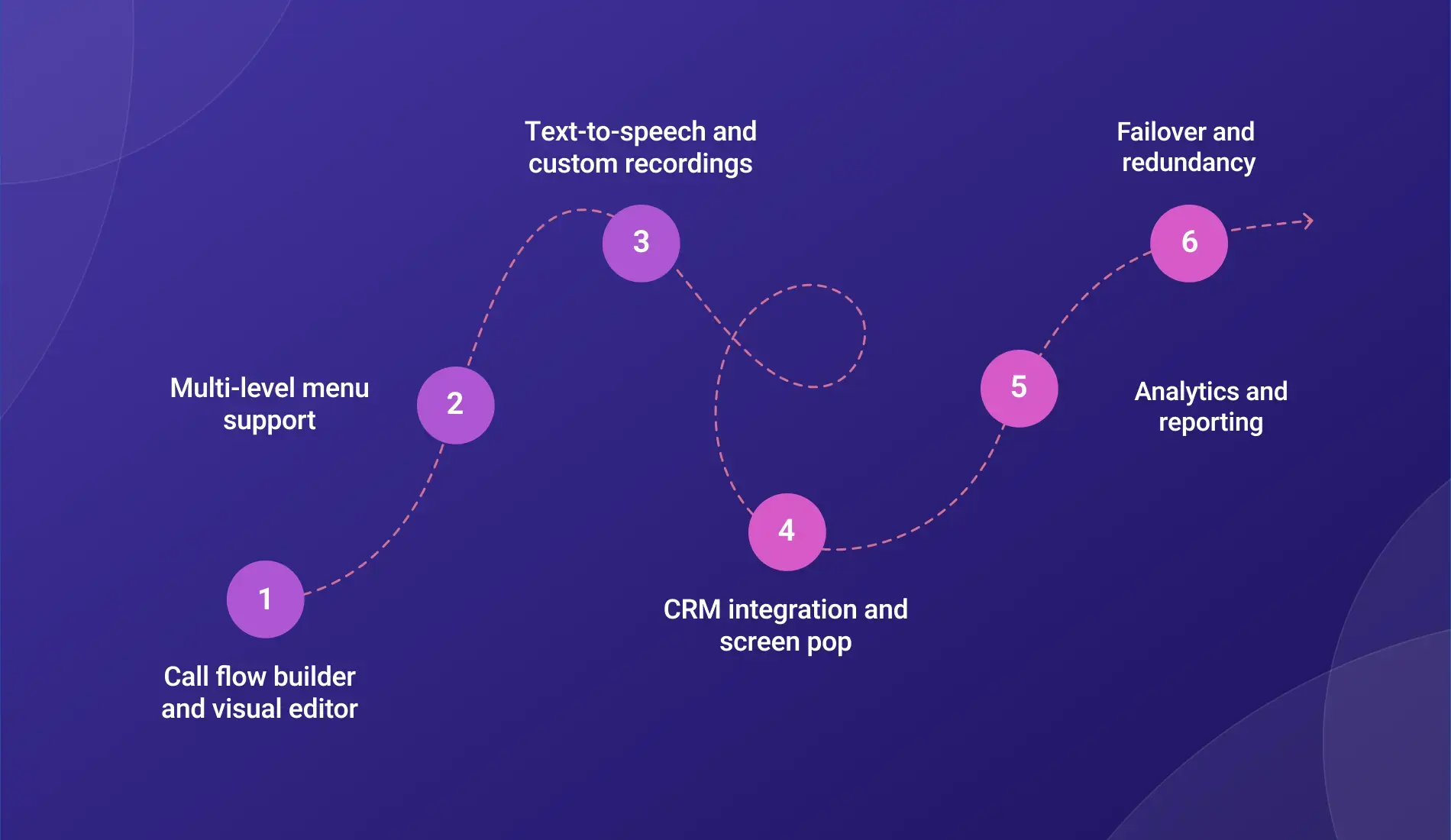
Call flow builder and visual editor
This is where you create and manage IVR menus. Some platforms let you build menus by dragging and dropping blocks, while others require coding. A visual menu builder is easier for teams without developers, as they can make changes in minutes. During a demo, ask the provider to build a simple menu to see how easy it is to use.
Multi-level menu support
A multi-level menu lets callers choose from more options at each step.
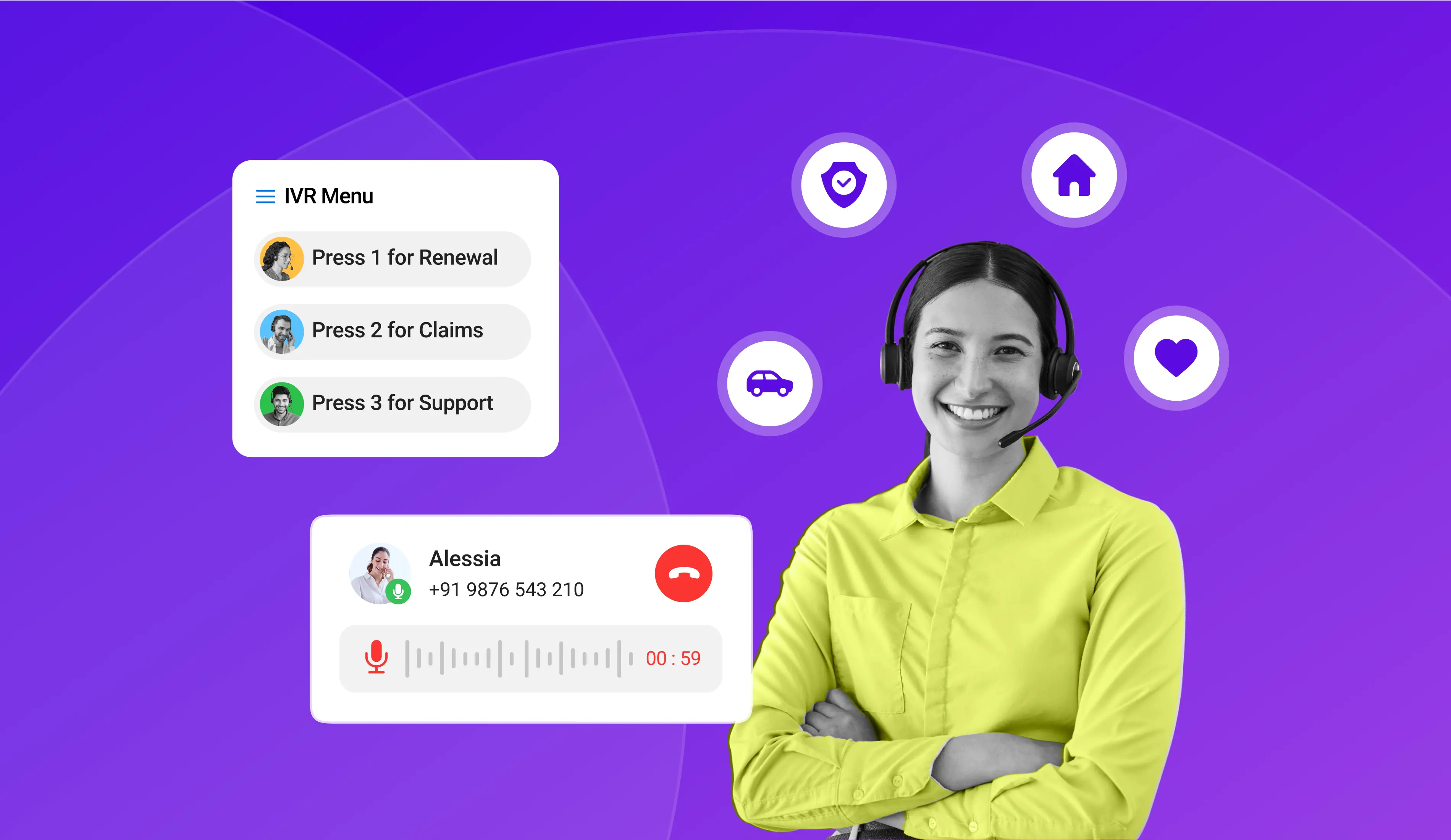
For example, they press 1 for Sales, then 1 for New Enquiry or 2 for Existing Account. Check how many menu levels the software supports and whether each menu can have its own call routing rules.
Text-to-speech and custom recordings
Written text is converted into a voice message, allowing you to create a new greeting in seconds.
Recorded audio lets you use your own voice for a personal touch. A good IVR system should offer both options. Test the voice in Hindi, Tamil, and other languages your customers speak, as the quality may vary by language.
CRM integration and screen pop
Integration automatically sends call details to the CRM after each call, including the caller’s number, menu choices, and call duration.
A screen pop shows details to the agent when a call comes in. Check whether the CRM connection is built into the system or uses extra software. Built-in connections are usually faster to set up and easier to maintain.
Analytics and reporting
Analytics and Reports show how callers use the IVR system. They help you see which options callers choose most, where they leave the menu, how long they wait to reach an agent, and how many requests the system handles on its own. Look for reports you can customize and download to review with your team.
Failover and redundancy
Failover decides where a call goes when the main team is unavailable. The call can move to another queue, go to voicemail, or reach a backup team. Check whether you can set different rules for each menu option rather than using the same rule for all calls.
API access
With API access, other software can automatically update the IVR. A holiday schedule, a change in business hours, or a CRM status update can reshape the call flow without anyone logging in. Ask to see the API documentation. Clear, complete docs are a good sign. A platform that scores well on most of these seven features will cover the daily needs of nearly any team.
Simplify Your Business Call Management
Explore how cloud IVR software can help you automate call routing, manage customer enquiries, and streamline business communication.
Cloud IVR Software vs On-Premise IVR Software
Cloud IVR software runs on the provider's servers, while on-premise IVR software runs on hardware inside the business. Most businesses choose the cloud for faster setup, lower costs, and no maintenance.
With cloud IVR software, the provider hosts everything, and the team manages it from a browser. Updates go live instantly, and there's no upfront infrastructure spend. Adding users or numbers takes a few clicks on the dashboard, and the provider looks after upkeep.
SNS Insider reports that the cloud segment accounted for about 76% of the global IVR market in 2025, making it the primary choice for new deployments.
On-premise IVR software is installed on hardware in the company's own office or data center. That gives full control over settings and data storage. It also calls for an IT team to manage updates and a larger budget for hardware and licenses. Organizations with strict data residency rules still choose it, and for good reason.
For a business without a dedicated IT team or specific data residency requirements, the cloud is the practical default today. Large enterprises in tightly regulated sectors may still find on-premises the better match.

61% of IVR deployments are now cloud-hosted, up from 47% in 2021. Source: Market Growth Reports, Interactive Voice Response (IVR) Systems Market (2025).
How to Evaluate IVR Software Before You Buy
Six things matter when choosing IVR software: ease of use, setup speed, CRM integration, pricing, uptime, and customer support.
Ease of use. Ask the person who will manage the IVR to try building a menu during the free trial. If they can make changes without help, the system is easy to manage. If every small change needs a developer or the vendor, it can slow things down.
Deployment speed. Cloud IVR software should be ready to handle calls within a few hours. If a basic setup takes weeks, it may not be the right fit for your business.
1. Integration depth
Check how the IVR connects with your CRM. Does it sync data both ways? Does the agent see caller details before answering? These details matter in daily use.
2. Pricing model
IVR pricing depends on how much you use it and how many agents you have. Credit-based plans charge based on usage so that the monthly bill can vary. Per-user plans charge for each agent, so the cost increases as your team grows. Ask for a quote in INR, including GST, and choose a plan that fits your business needs now and as you grow.
Uptime and redundancy
Find out the provider's promised uptime percentage and exactly what it covers. Automatic failover, in case a data center goes offline, should be part of it. Since every inbound call passes through the IVR, 99.9% annual uptime is a sensible minimum.
Support availability
Check whether support is available during Indian business hours and on weekends, if needed. Ask how quickly the team responds to problems with the IVR. Compare all six points side by side to choose the right software for your business.
TeleCMI IVR Software: What It Includes
TeleCMI's IVR software is cloud-based and comes with a visual call flow builder. Non-technical teams set up multi-level menus, routing rules, and greetings from the dashboard, with no IT support needed. A change takes minutes, and the team stays in charge of its own call flow.
It connects with 170+ CRM and business tools. Call details, menu choices, and recordings are automatically saved in the CRM after each call. This helps agents see call history and saves managers from entering details manually.
The 14-day free trial includes same-day setup, with no credit card required. Teams can set up the IVR, test it with real calls, and decide if it meets their needs.
Conclusion
IVR software is now available for businesses of all sizes. The best choice depends on how easy it is to set up, how well it connects with your other tools, and whether the pricing fits your budget. It should also be easy for your team to manage every day.
See How Cloud IVR Works for Your Business
Explore TeleCMI's cloud IVR features and test how automated menus and call routing can support your customer communication workflows.
Frequently asked questions (FAQ)
Saravana Kumar

I’m passionate about exploring and sharing insights on modern cloud communication technologies. At TeleCMI, I focus on helping readers understand the evolving world of cloud telephony and IVR solutions in a simple yet in-depth way. My goal is to deliver genuine value by turning complex telecom concepts into clear, actionable knowledge that builds trust and drives innovation.